
Refresh symbols
Read an Account's symbol list from its platform again.
MyTradesConnect keeps the list of symbols each Account offers, with each symbol's size limits. The Connection wizard shows it, and every copy is sized with it.
When the list updates
- Every week, for each Account a running Connection uses.
- Right after a Receiver refuses a copy for its size, or skips one below its minimum size for the symbol, at most once an hour per Account.
- When you enter the password and server again, as Edit a login shows.
A symbol your broker stops listing leaves the Connection wizard, and copies to it keep their size limits. It comes back when the broker lists it again.
A list that comes back under half the length of the stored one is not saved, so a broker's short answer never empties your symbols. MyTradesConnect logs in again and reads the list later.
Refresh now
Open the Account in Accounts and select Refresh symbols. The new list shows once the platform answers.
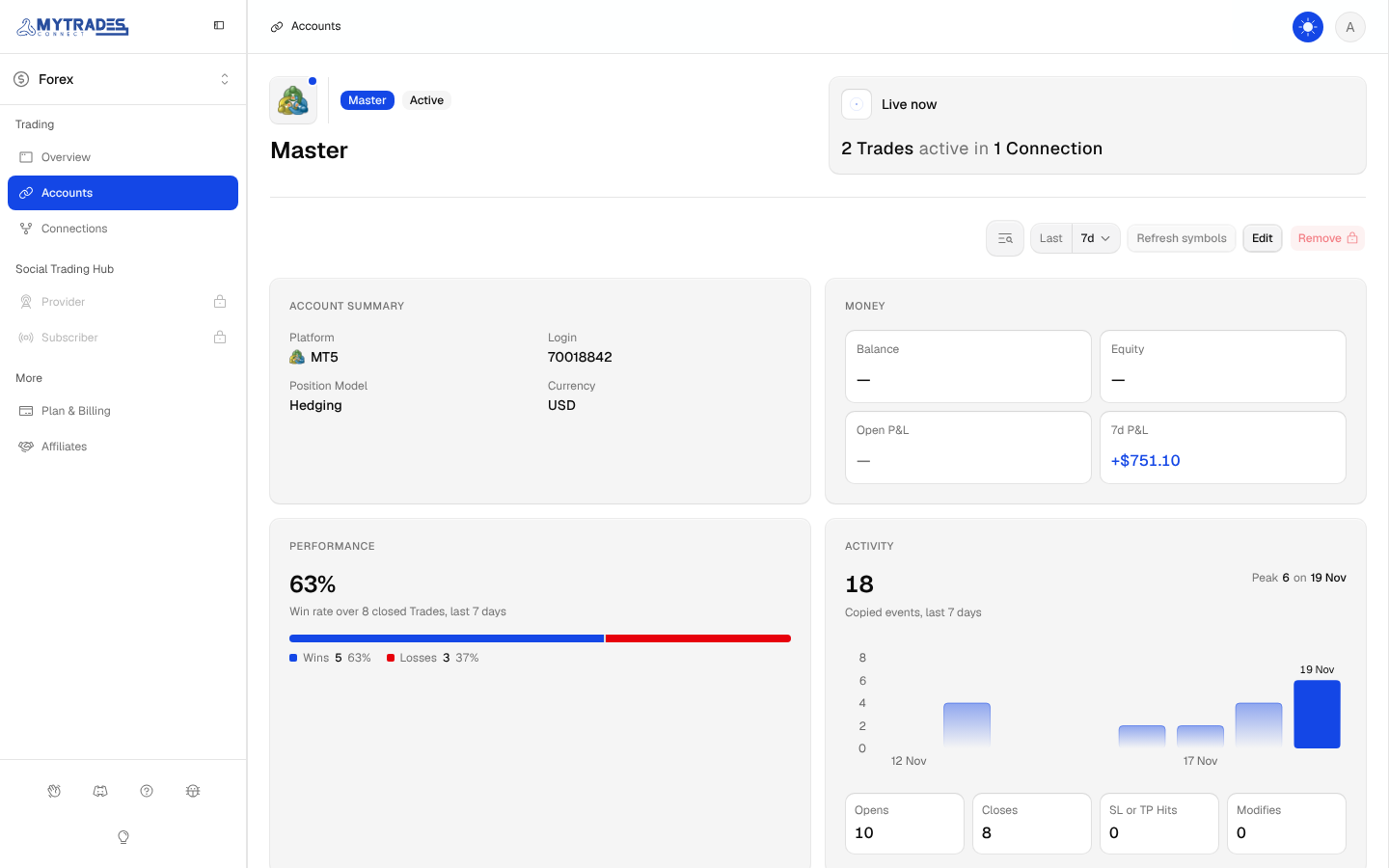
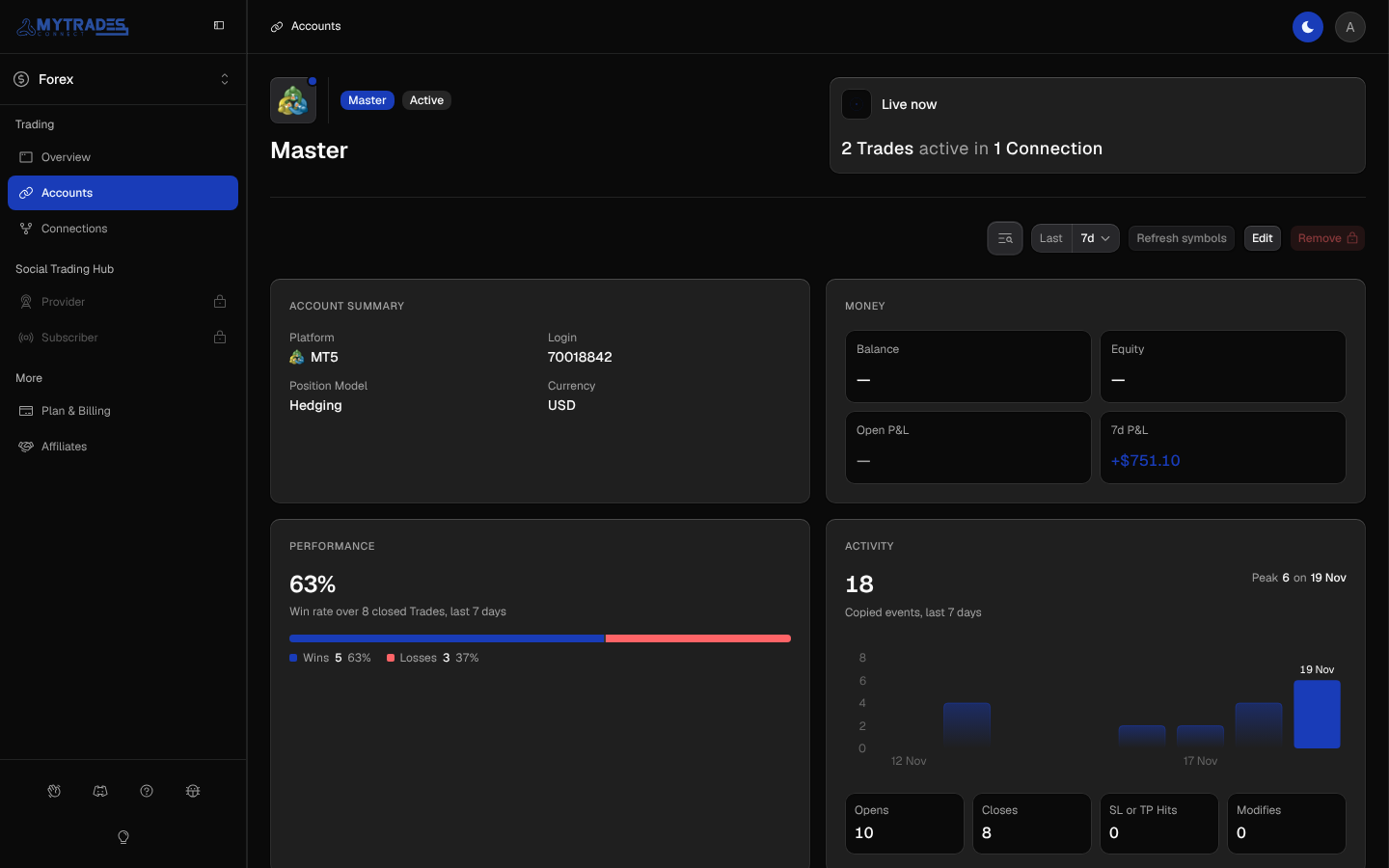
- It works once a day per login. Until then, the button says when you can refresh again.
- It works only while a running Connection copies with the Account, or, after Copying stops (as when a plan ends), while a copy the Account takes part in is still open, because MyTradesConnect reads the list over that Connection's login and stays logged in until the copy closes. A paused Account never has it, and on any other Account the button is turned off.