
Plans and billing
How Individual Plans, Local IP, free trials, beta discounts, refunds and billing work.
Your plan sets how many Trading Accounts your Connections copy across Forex and Futures. Open Plan & Billing in the sidebar, under More, or Manage plan in your profile, to pick a plan, see how many Accounts you use and manage billing.
Individual Plan
| Tier | Accounts | Local IP | Monthly | Yearly |
|---|---|---|---|---|
| Starter | 3 | No | $19 | $189 |
| Growth | 20 | Yes | $49 | $489 |
| Scale | 80 | Yes | $99 | $989 |
| Max | 120 | Yes | $149 | $1,489 |
Pick a tier and a billing cycle, then Start checkout. Payment runs on Stripe's secure checkout page, which adds any sales tax that applies to your address. Your plan shows in Plan & Billing as soon as Stripe confirms it.
Local IP
Local IP is included in Growth, Scale and Max, in beta free days, in the 7-day Growth trial and in complimentary plans. Starter runs on Cloud only, unless you add Local IP to it.
On Starter, choosing Local IP in Add Account/s, including another Account under a Local IP login in Edit Account, pairing a device in Account in Settings or selecting Add Local IP in Plan & Billing opens a window with two ways to get it:
- Move to Growth: Growth holds 20 Accounts and Local IP, for $15 more a month than Starter + Local IP, or $150 more a year. It starts at once, like any plan with more Accounts.
- Add Local IP: Starter + Local IP keeps your 3 Accounts and adds Local IP for $34 a month or $339 a year. It starts at once on the same plan, and the unused part of what you paid for Starter becomes bonus days, and your coupon and your refund window stay.
Without a plan, the same window opens checkout for the plan you pick. If you choose Local IP during setup, Finish setup takes you to checkout for the plan you picked in that window.
If you move from a plan with Local IP to Starter, Plan & Billing tells you before you switch, and Switch to Starter + Local IP keeps Local IP instead. Moving from Starter + Local IP to Starter, like any move that drops Local IP or Accounts, waits until the end of the period you paid for. Once a plan without Local IP starts, your Local IP Accounts copy no new Trades: copies already open keep following the Master's closes, partial closes and Stop Loss and Take Profit changes through your device until they close.
Without a plan
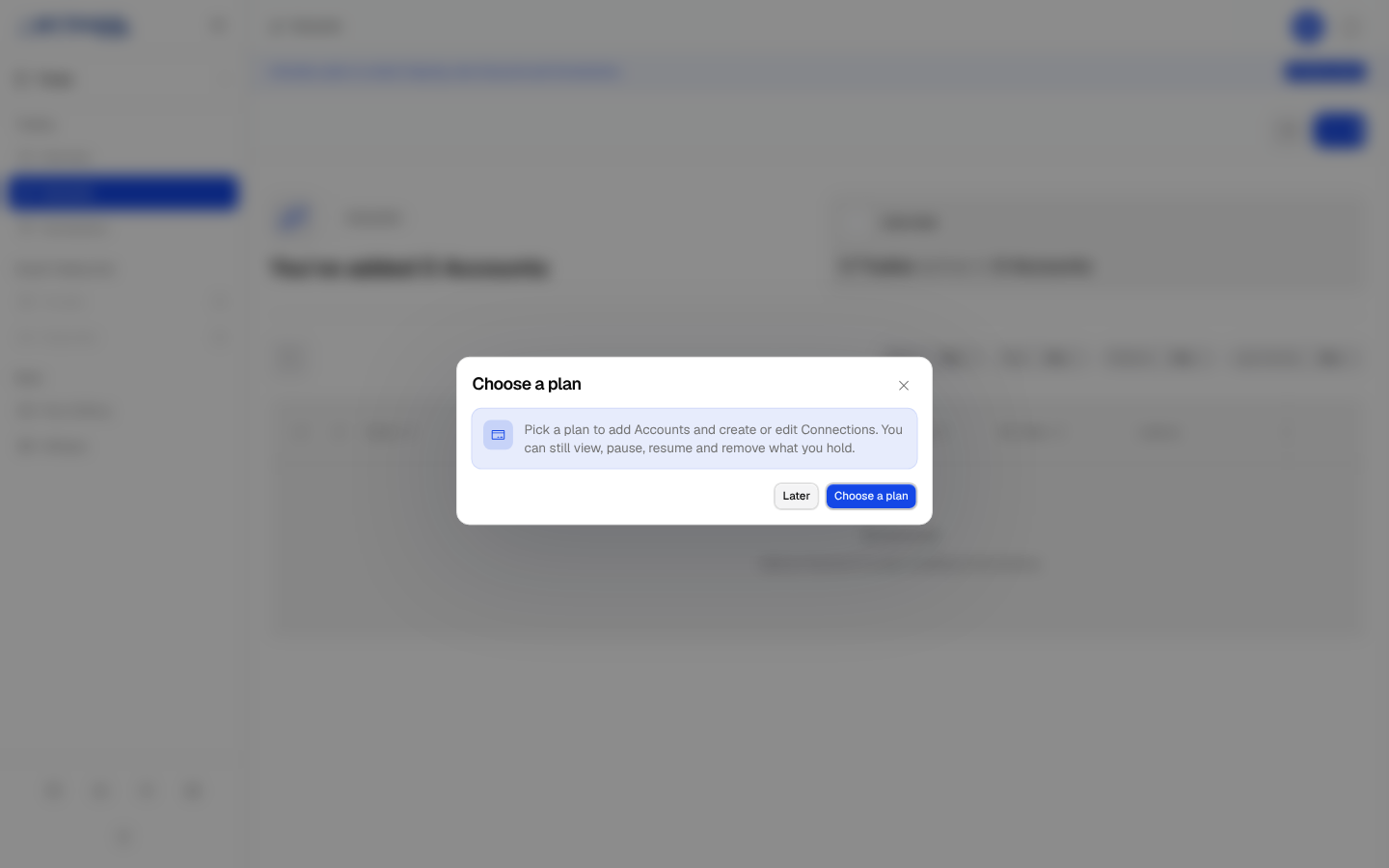
Without a plan, your Connections do not copy, and a banner at the top of every page links to Plan & Billing. Add Account/s, Edit Account, Create Connection and Edit Connection open a Choose a plan window instead, while you can still view, pause, resume and remove your Accounts and Connections. If you finish setup without a plan, the app opens Plan & Billing for you.
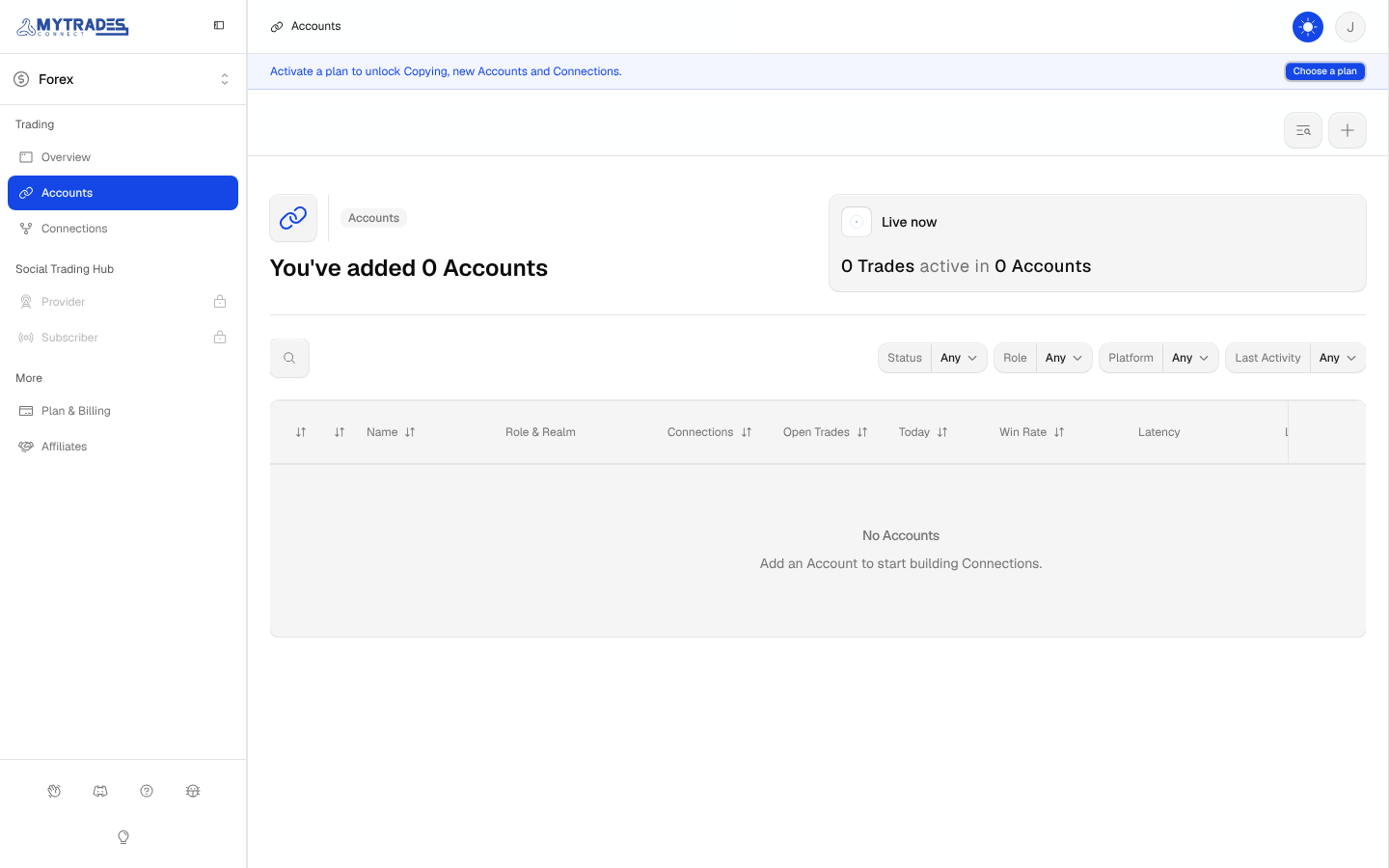
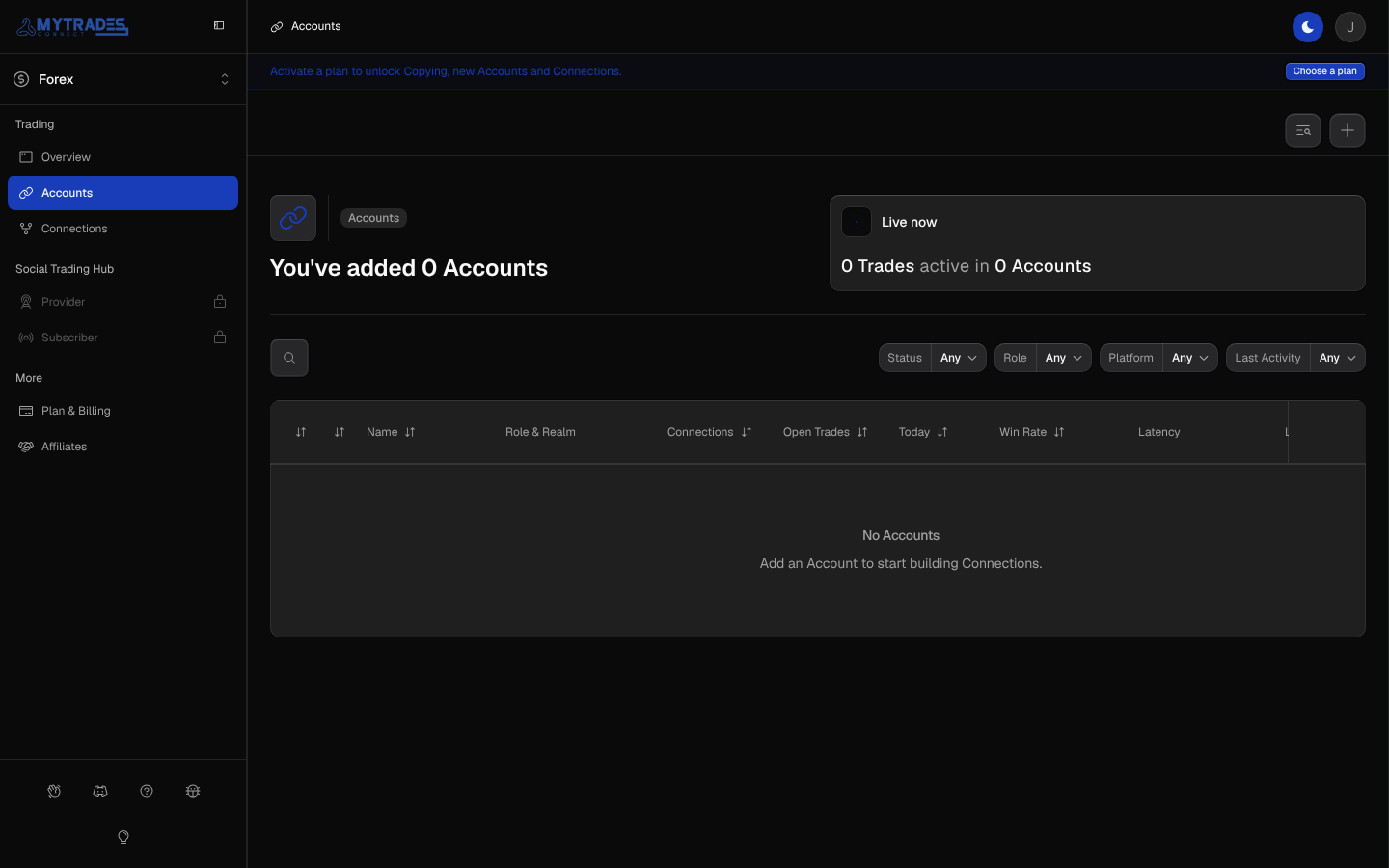
When your free days or your plan end, Copying stops: your Accounts, Connections and history are kept, and Copying starts again as soon as you pick a plan. Copies already open on your Receivers keep following the Master's closes, partial closes and Stop Loss and Take Profit changes until they close, but no new Trade or added size is copied. Trades the Master opens while Copying is stopped are not copied later.
Free trial
Your first Growth plan starts with a 7-day free trial, unless you joined the beta. Your card is charged when the trial ends, and Plan & Billing shows the date. Starter, Scale and Max start paid, and a plan bought again after cancelling starts paid too.
Beta free days
If you joined the beta and your free days have not ended yet, Plan & Billing shows when they end. When you pick a plan, your first charge is on the day your free days end, or 2 days after you buy if that is later.
Beta discount
If you joined the beta, your beta discount takes between 10% and 30% off the first 3 months of a monthly plan, and Plan & Billing shows yours before you check out. Yearly plans already carry their own discount, so the beta discount applies to monthly plans only. Once a plan of yours reaches its first charge, a plan you buy again after cancelling starts at full price, even if that charge failed.
Manage billing
Manage billing in Plan & Billing opens Stripe's billing page, where you update your payment method and download invoices.
Refund
Within 14 days of buying a new plan, Plan & Billing shows Cancel and refund with the amount and the last day. It refunds everything you paid for that plan to your payment method, and your plan and Copying end at once. Your Accounts, Connections and history are kept, and you can pick a plan again at any time.
A free trial counts toward the 14 days, and nothing is charged during it. On the 7-day Growth trial, your first charge comes on day 7, so you then have 7 days left to refund. Each user can get this refund once, and renewals are not refundable. Cancelling a plan otherwise keeps it until the end of the period you paid for.
Change your plan
Pick another tier or billing cycle in Plan & Billing, and the button tells you when the change applies.
- More Accounts, or monthly to yearly: the new plan starts at once. The unused part of what you paid for your current plan becomes bonus days on the new one, and your first charge for it comes after them. For example, 15 days left on Growth monthly become 8 bonus days on Scale monthly. Upgrade again during bonus days and they turn into days of the newer plan the same way.
- During free beta days: the new plan starts at once, and your first charge stays on the day your free days end.
- During the 7-day Growth trial: the trial is for Growth only, so a bigger plan starts at once and is charged that day. Moving to Growth yearly keeps your trial.
- Fewer Accounts, or yearly to monthly: you keep your current plan until the end of the period you paid for, then the new plan starts. Plan & Billing shows the next plan and its date, and Keep current plan cancels the change. If the next plan holds fewer Accounts than you have active, pick the Accounts to keep before that date, and Copying carries on into the new plan without a stop (see Paused Accounts).
Plan changes never refund. A beta discount stays on a monthly plan and ends when you move to a yearly one. While a payment is due, update your payment method in Manage billing before you change plans, and while your plan is set to end, renew it there first.
Paused Accounts
If your plan holds fewer Accounts than you have active, every Account is paused and Copying stops until you pick which Accounts to keep. Until you pick, copies already open keep following the Master's closes, partial closes and Stop Loss and Take Profit changes. In Plan & Billing, tick up to your plan's number of Accounts and select Keep these Accounts copying. Paused Accounts keep their Connections and history and take no slot, and you can swap which Accounts copy there at any time. A Connection copies only to Accounts that are not paused, and does not copy at all while its Master is paused. Once you pick, or when you pause an Account yourself, copies already open on a paused Account stay open and no longer follow the Master until you resume it.
When your next plan holds fewer Accounts than you have active, Plan & Billing shows Accounts on your next plan until it starts. Tick up to the next plan's number of Accounts and select Keep these Accounts copying: every Account keeps copying until the next plan starts, then the Accounts you did not pick pause. You can change the pick until that date. Keep current plan drops it, and so does choosing another next plan, so pick again for that plan. An Account you add after you pick also pauses on that date, unless you pick it in place of another. If you removed every Account you left out, an Account you add after that is not part of your pick, so pick again before the date. If you have not picked by then, every Account is paused until you pick.
Provider Plan
The Provider Plan, for sharing your Connections with Signals Subscribers, opens with the Social Trading Hub. Its tiers show in Plan & Billing as coming soon.