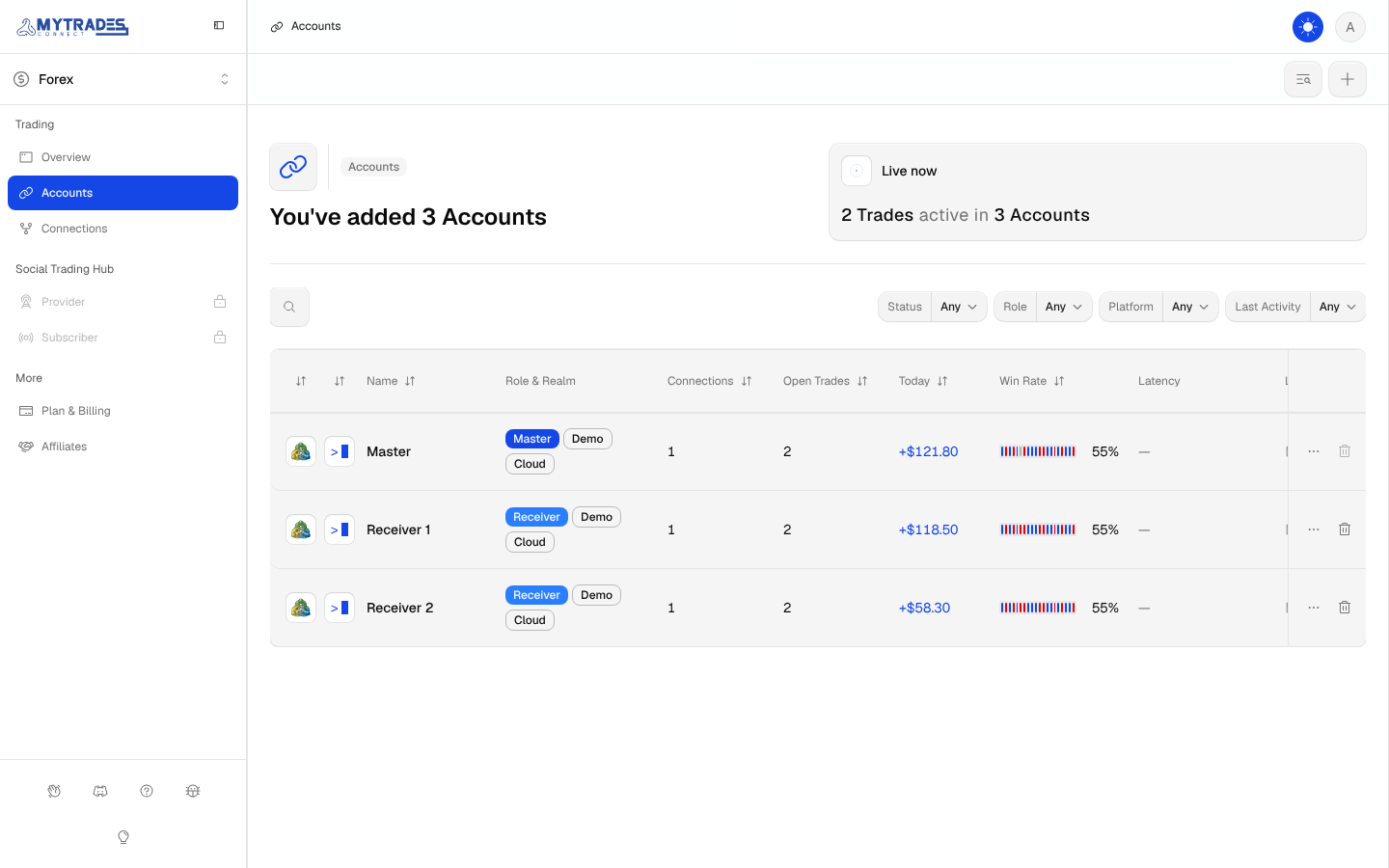
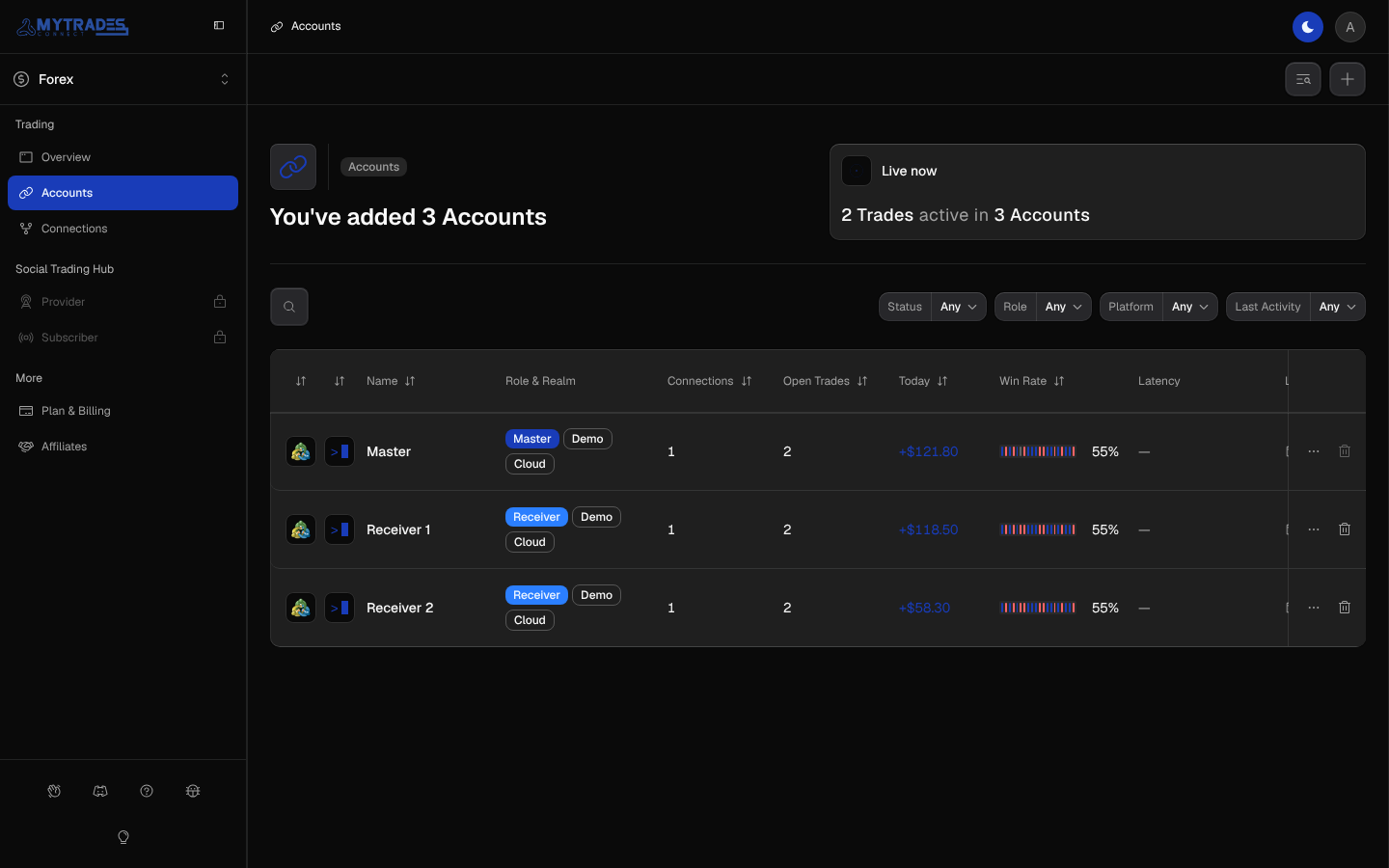
Account status
What each Account status means and what to do about it.
Every Account shows one status in Accounts and on its page. When more than one applies, the first in this list wins.
Error
The login failed, and the reason shows beside the status:
- login refused: the platform refused the login, password or server.
- login expired: the platform ended the login.
- access denied: the platform does not let this login in.
- saved login unreadable: MyTradesConnect could not open the saved password.
The fix is the same for every reason: select Edit and enter the password and server again, as Edit a login shows. An Account in Error copies nothing, so its Connections show Error too. Troubleshooting lists what else to check.
Warning
The session is reconnecting, often after a broker hiccup. It clears itself, so wait a few minutes before changing anything.
Active
The Account is connected and has open Trades.
Healthy
The Account is connected and has no open Trades. Nothing to do.
Diverged and Copy failed
Two badges can appear beside any status, each with a count:
- Diverged: a copy on this Account was changed or closed outside MyTradesConnect, so Copying stopped for that Trade on this Account.
- Copy failed: a step of an open copy on this Account, such as a size, Stop Loss or Take Profit change, could not be placed. The copy stays open without that change, so check it on this Account.
Open the Connection to see which Trades they are. Troubleshooting explains each outcome.