
Connection status
What each Connection status and badge means and what to do about it.
Every Connection shows one status in Connections and on its page. When more than one applies, the first in this list wins.
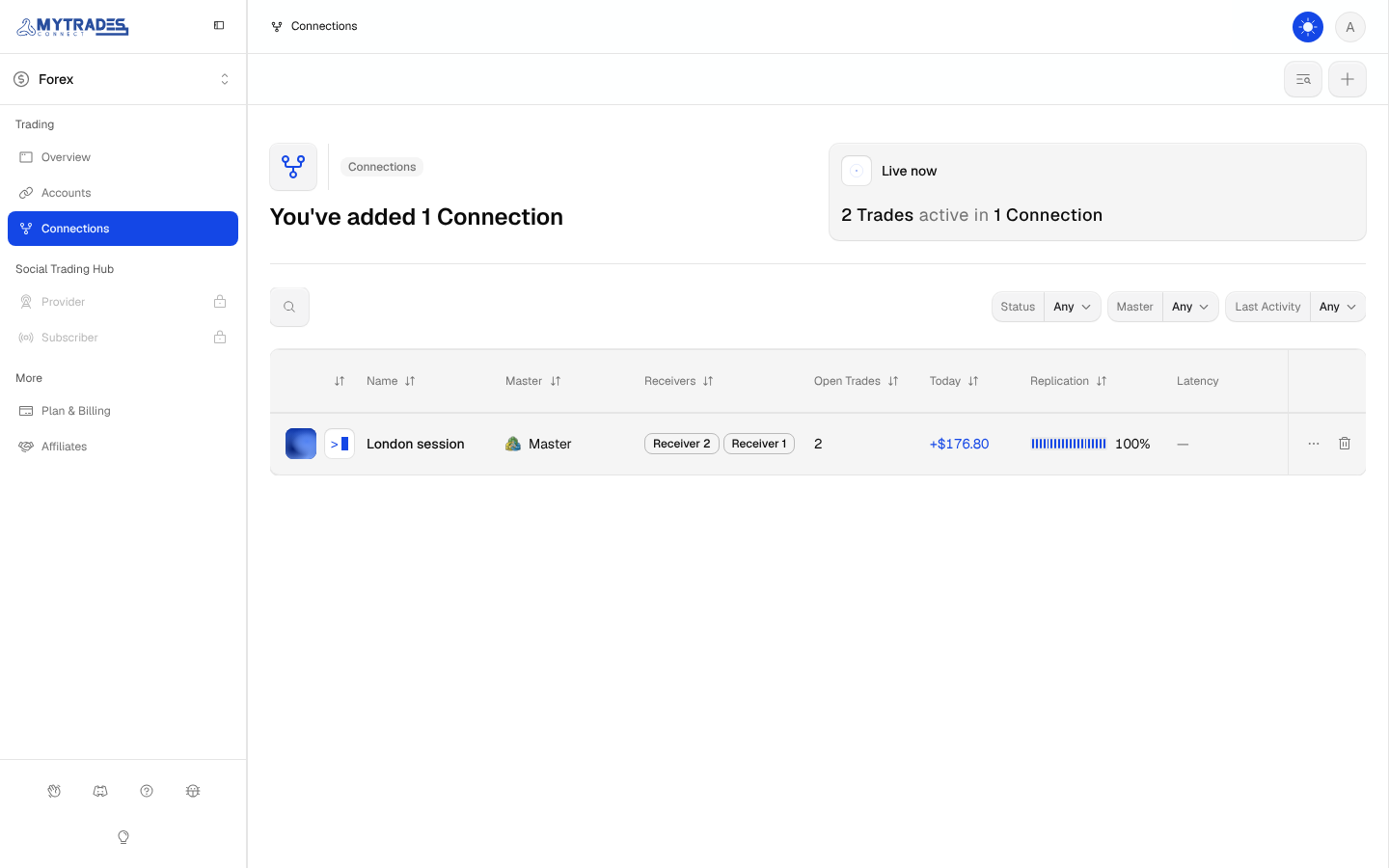
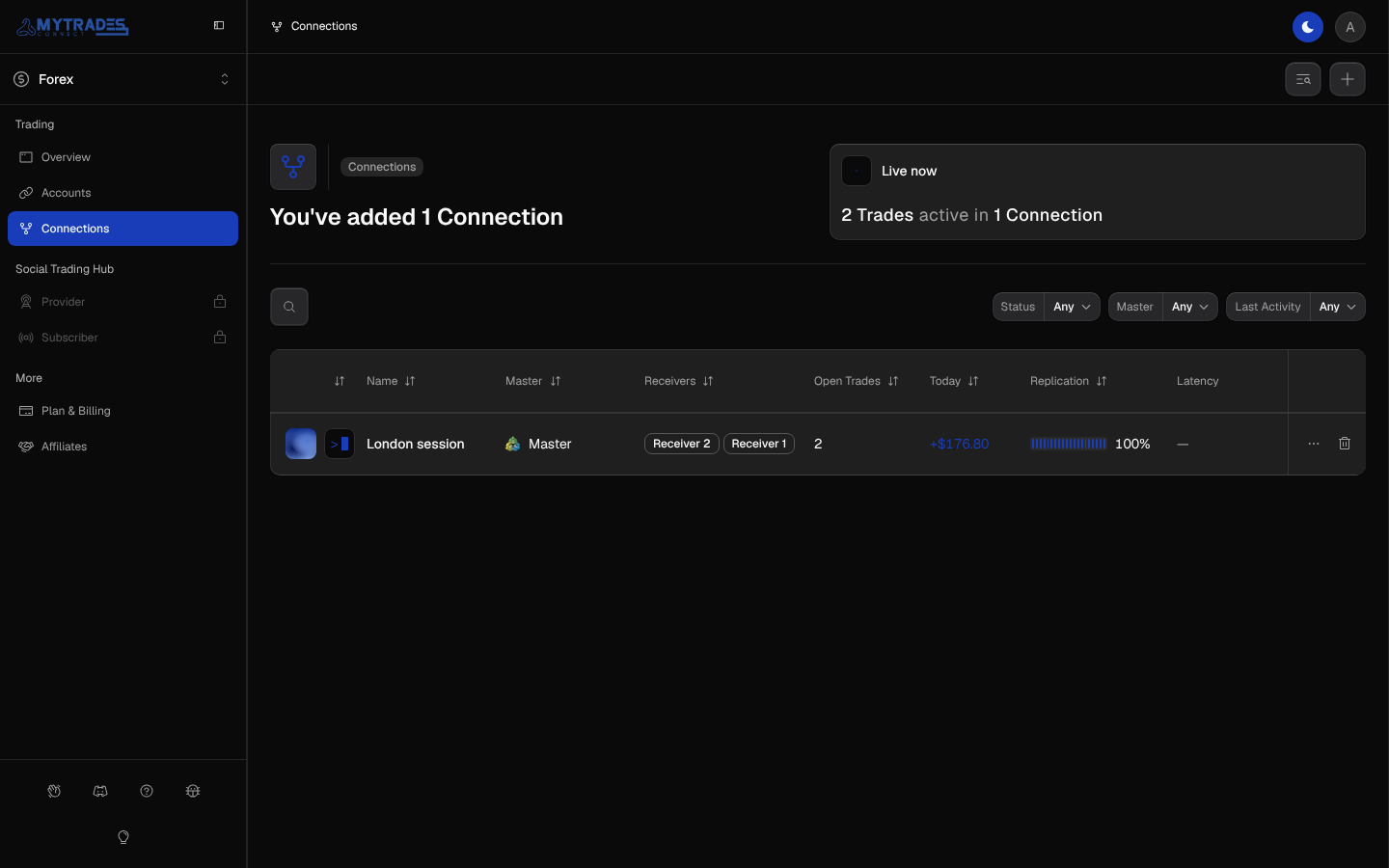
Paused
Someone paused the Connection, so it copies nothing. Resume it from the Connection, as Pause, resume or delete shows.
Error
The Master's login or a Receiver's login failed. The detail beside the status says Master login failed or how many Receiver logins failed. Fix the Account first, as Account status shows.
When a Receiver's login fails, the Connection keeps copying to the other Receivers.
Degraded
A session is reconnecting, often after a broker hiccup. It clears itself, so wait a few minutes before changing anything.
Active
The Connection is copying and a Trade is open. The open Trades show under Live now on the Overview and on the Connection's page.
Healthy
The Connection is copying and no Trade is open. It is waiting for the Master's next Trade.
Diverged and Copy failed
Two badges can appear beside any status, each with a count:
- Diverged: a copy was changed or closed on a Receiver outside MyTradesConnect. The Connection stops copying that Trade to that Receiver and never sends a corrective Order. Other Receivers carry on.
- Copy failed: a step of an open copy, such as a size, Stop Loss or Take Profit change, could not be placed on a Receiver. The copy stays open without that change, so check it on the Receiver.
Open the Connection, then the Trade, to see what each Receiver did, as Trades and P&L shows. Troubleshooting explains every outcome.