
Affiliates
Share your referral link, see who signs up through it, follow your commission, pay it out and apply for the B2B tier.
As an affiliate, you share your own MyTradesConnect link with other traders. You earn 10% of every payment the traders who sign up through it make for their plans, for as long as they pay. You do not need a plan to be an affiliate. The Affiliate Terms set out the full rules.
Get your link
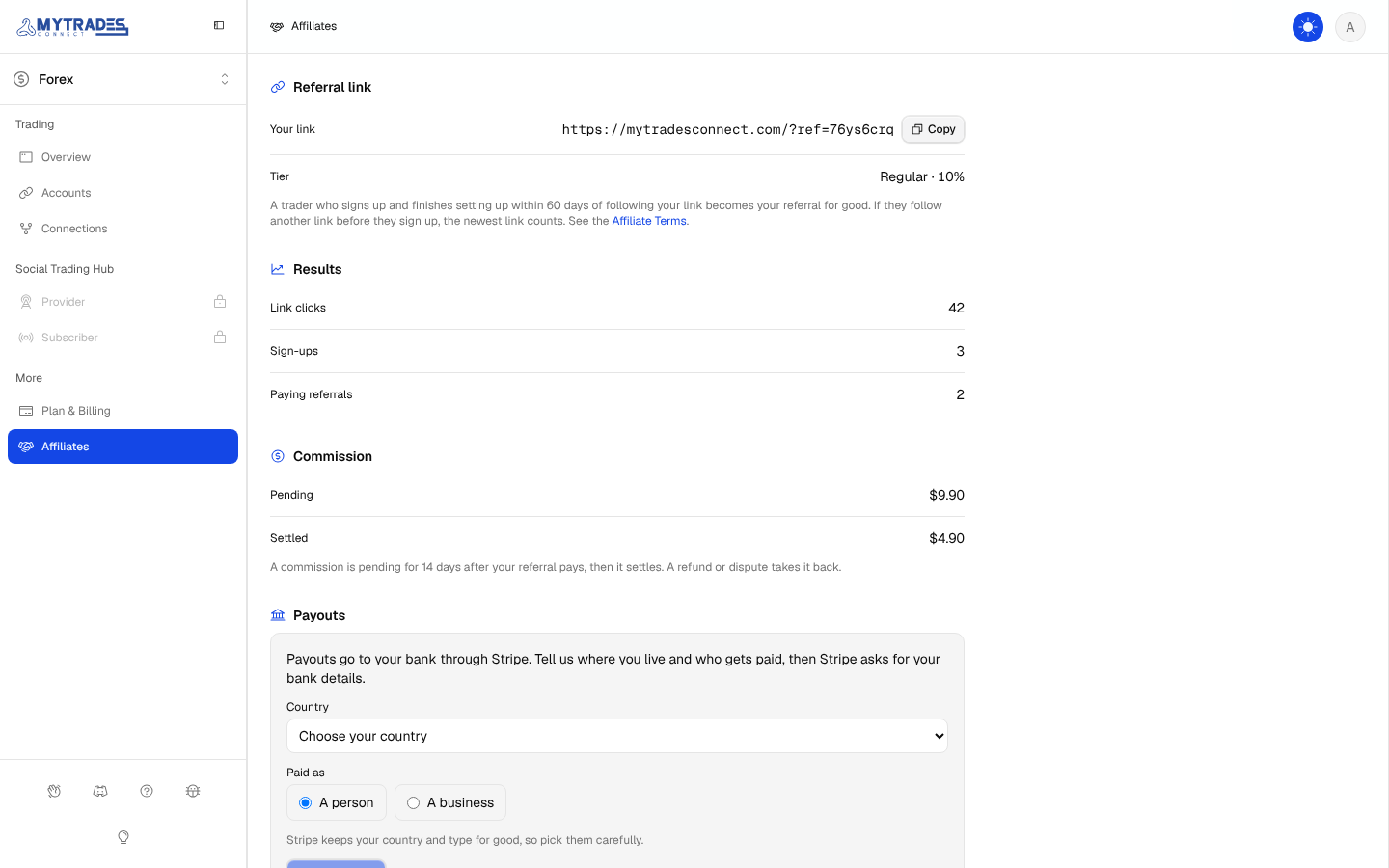
Open Affiliates under More in the sidebar and select Get my link. Your link looks like mytradesconnect.com/?ref=yourcode, with a random code of 8 letters and numbers. Select Copy to copy it.
Who becomes your referral
- When someone follows your link, their browser remembers your code for 60 days.
- If they follow another affiliate's link before they sign up, the newest link counts.
- When they sign up and finish setting up MyTradesConnect within those 60 days, they become your referral for good.
- Someone who finished setting up MyTradesConnect before never becomes a referral.
Your referrals' discount
Your referrals get 10% off at checkout without entering a code: their first 3 months on a monthly plan, or their first year on a yearly plan. The discount comes with their first paid plan only, so a referral who paid, cancelled and buys again later pays the full price.
Your commission
- Each paid invoice of a referral earns your tier's rate of what they paid, after discounts and refunds and before tax.
- The rate is your tier on the day the invoice is paid.
- A commission is pending for 14 days after the payment, then it settles.
- If the payment is refunded or disputed, its commission comes off your pending or settled balance. If MyTradesConnect wins the dispute, the commission comes back.
Get paid
- Under Payouts, choose the country you live in and whether you are paid as a person or a business, then select Set up payouts. Stripe keeps both for good.
- Stripe opens its own secure form, where you enter your bank details. MyTradesConnect never sees them. When you finish, Stripe brings you back to Affiliates, which shows the bank you are paid to.
- Once your settled balance reaches $50, select Pay out. The payout sends your whole settled balance, less Stripe's fee for sending it, which depends on your country and currency. A few cents can stay in your balance, because the fee on the smaller amount sent is a little lower.
- Each payout is listed with its amount and Stripe's fee. If your bank returns a payout, its money goes back to your settled balance and you can pay out again, for example after you select Change and fix your bank details.
Your results
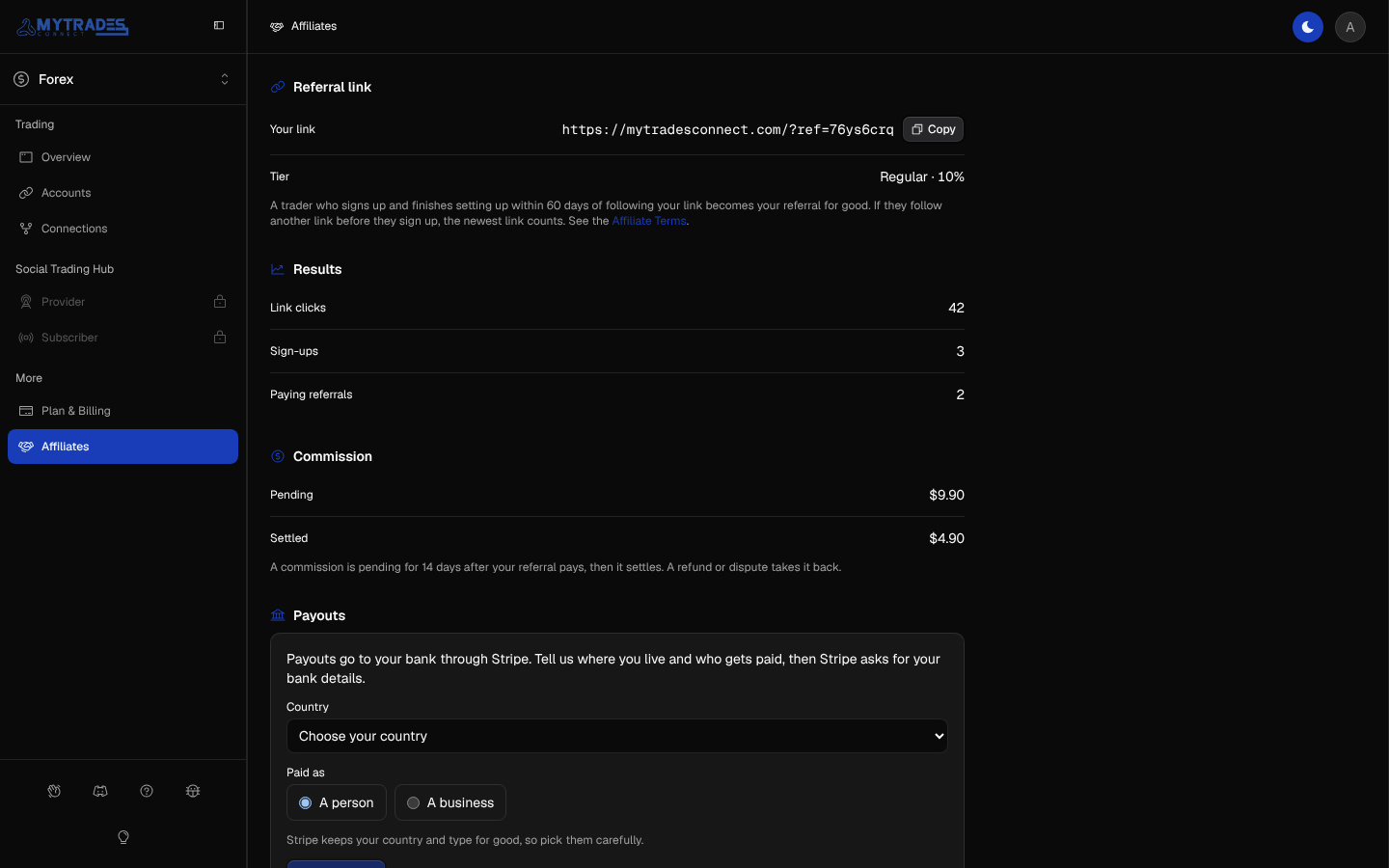
Affiliates shows your tier and its rate, how many times your link was followed under Link clicks, how many traders signed up through it under Sign-ups, and how many of them have paid under Paying referrals. Under Commission, it shows your Pending and Settled balances.
Apply for B2B
If you run or reach a trading community, you can apply for the B2B tier. Under B2B tier on Affiliates, give your community's name, link and platform, how many people it reaches, your role in it, a handle we can contact you on, and why it fits MyTradesConnect. You may also ask for a link name, such as mytradesconnect.com/?ref=yourcommunity. Then select Send application.
- We review every application by hand, and may contact you on your handle first.
- Once we approve it, Affiliates shows the B2B tier, and your link name if we approved one. Your earlier link keeps working.
- Payments made after we approve it earn the B2B commission, which Affiliates shows from then on. Earlier payments stay at 10%.
- If we do not approve it, Affiliates says so, and you can apply again.
Changes to your tier
We may move a B2B affiliate back to Regular, and payments after that earn 10%. If you break the Affiliate Terms, we may disable your referral link: it no longer works, payments made from then on earn no commission, and we still pay your settled balance.